
Charge Point Management Systems Explained for Property Teams
Learn what a charge point management system does, from resident billing to load balancing, and when standalone EV chargers or manufacturer apps are enough.

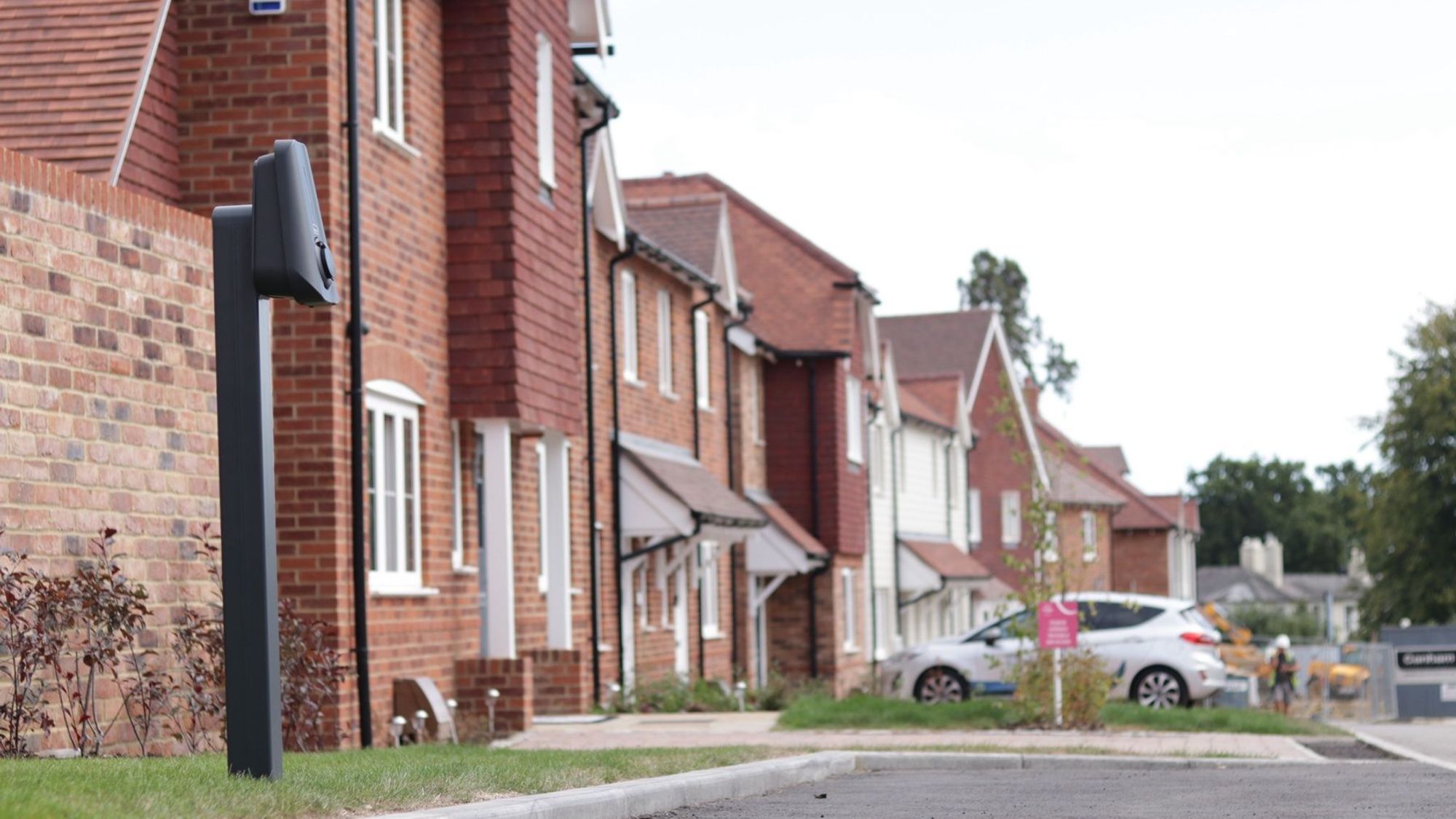
A charge point management system (CPMS) is the software a property team or charging operator uses to run connected EV chargers. It is often called the charging back office. Residents might start a session in an app or with a tap of a fob. The operator uses the CPMS to manage what happens across all the bays.
In a communal car park, several residents can use the same charger in a day while the building receives one electricity bill. A CPMS gives the team a way to work out who owes what, alongside tools for managing access, faults and the electrical load.
What does a CPMS do?
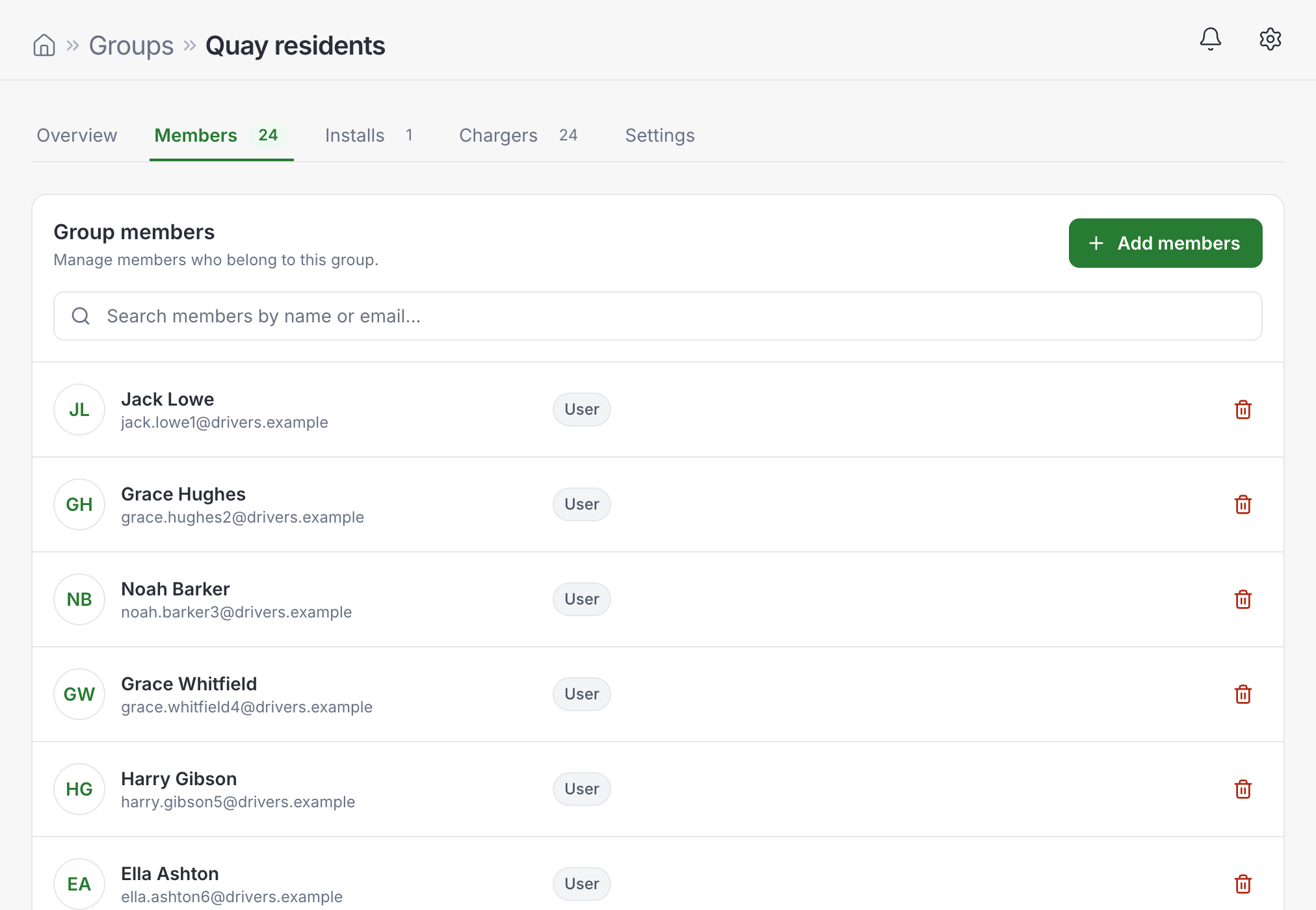
Control who can charge
A CPMS can restrict a communal charger to approved residents or assign a charger in an allocated bay to a particular account. Depending on the setup, drivers identify themselves in an app or by tapping a card or fob. When a resident moves out, an administrator can remove their access and give it to the next occupier from the same dashboard.
Bill residents for their own charging
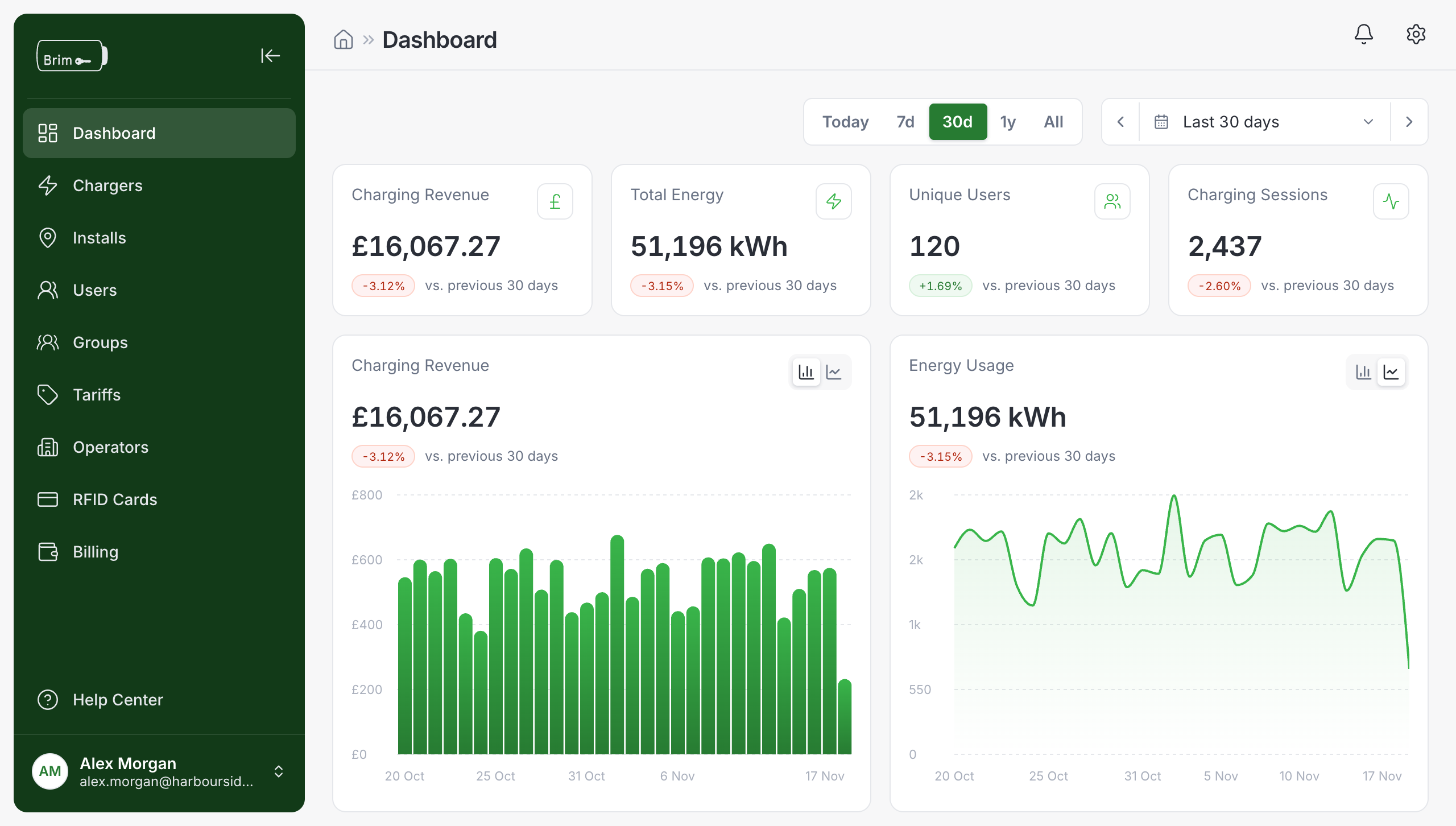
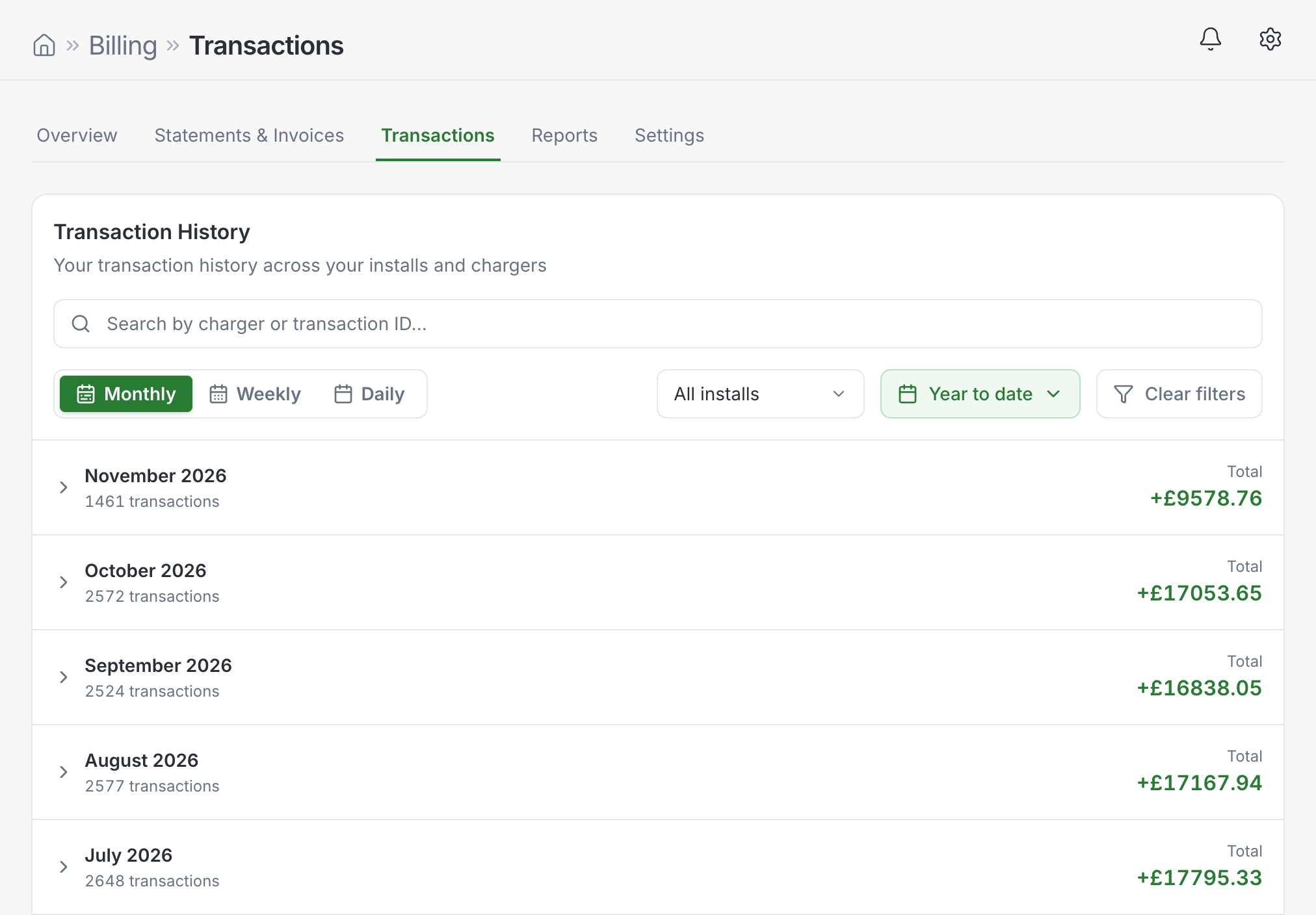
A compatible charger sends the energy used in each session to the platform. The CPMS can link that session to a driver and apply the charging tariff. With payments enabled, it can also collect the money and record the payout to the account nominated for the site.
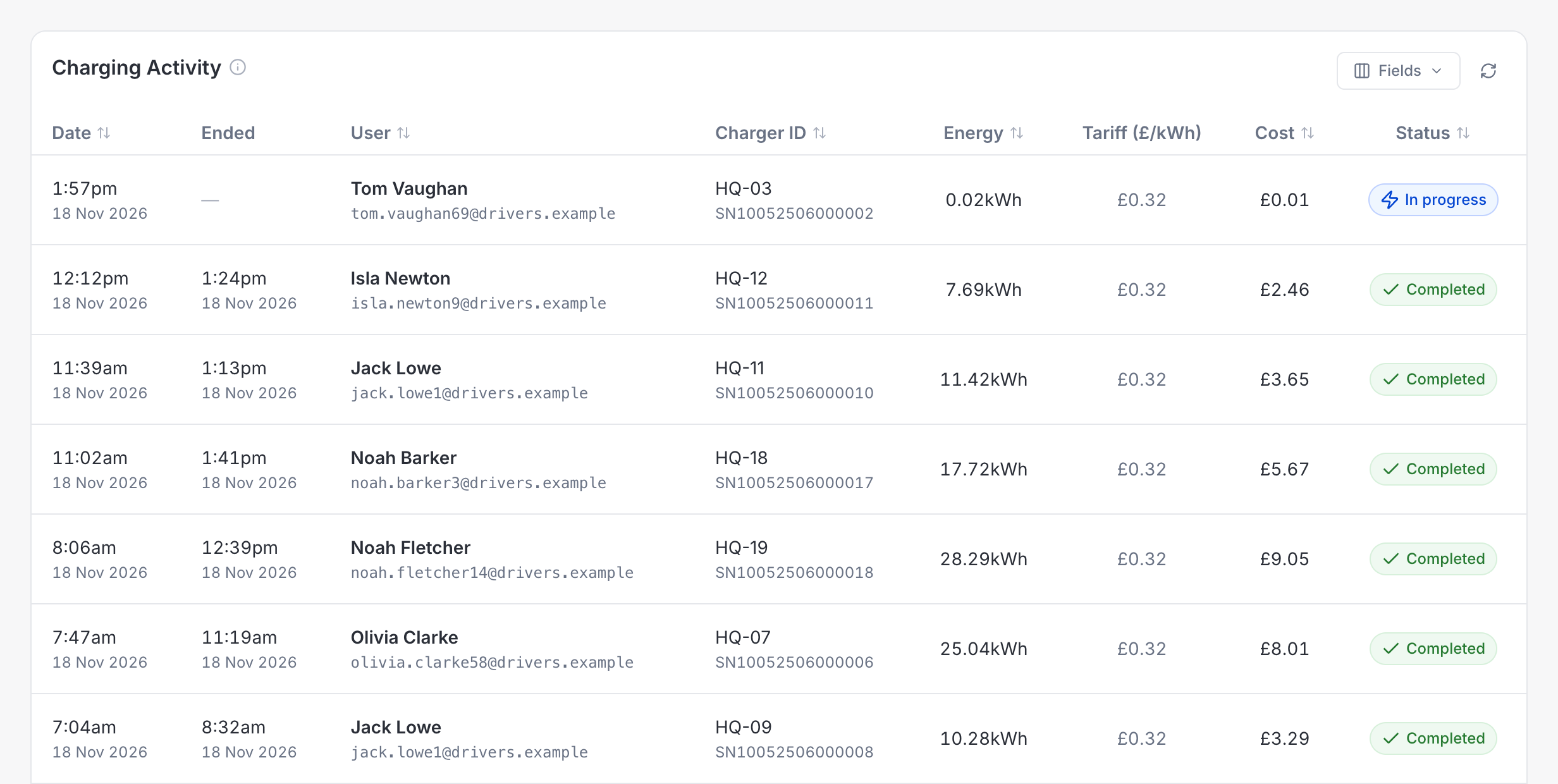
If a resident uses 20 kWh at 30p per kWh, the energy charge is £6. A useful settlement report shows how session charges add up to the amount the site receives, with any fees shown separately. Where the block holds the electricity account, those records help the team reconcile charging income against what it pays the supplier. Ask who sets the tariff, when payouts arrive and who deals with refunds or disputed sessions.
See when a charger needs attention
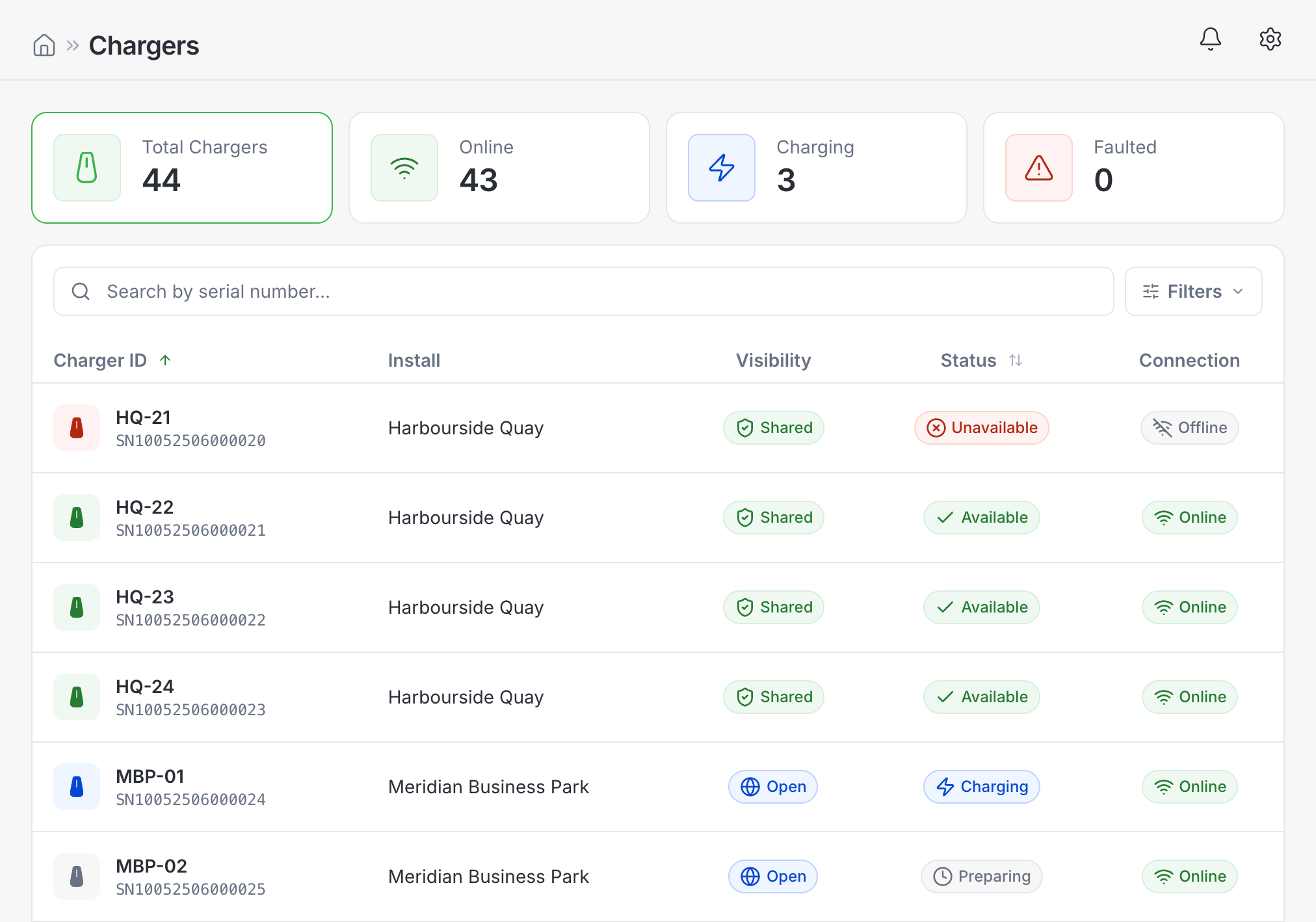
A dashboard can show which connected chargers are available, in use, reporting a fault or offline. An operator can use alerts and session logs to investigate a failed charge. If a charger is online and supports remote commands, the operator may be able to restart it without a visit. An offline unit may need someone on site to check the power supply or connectivity.
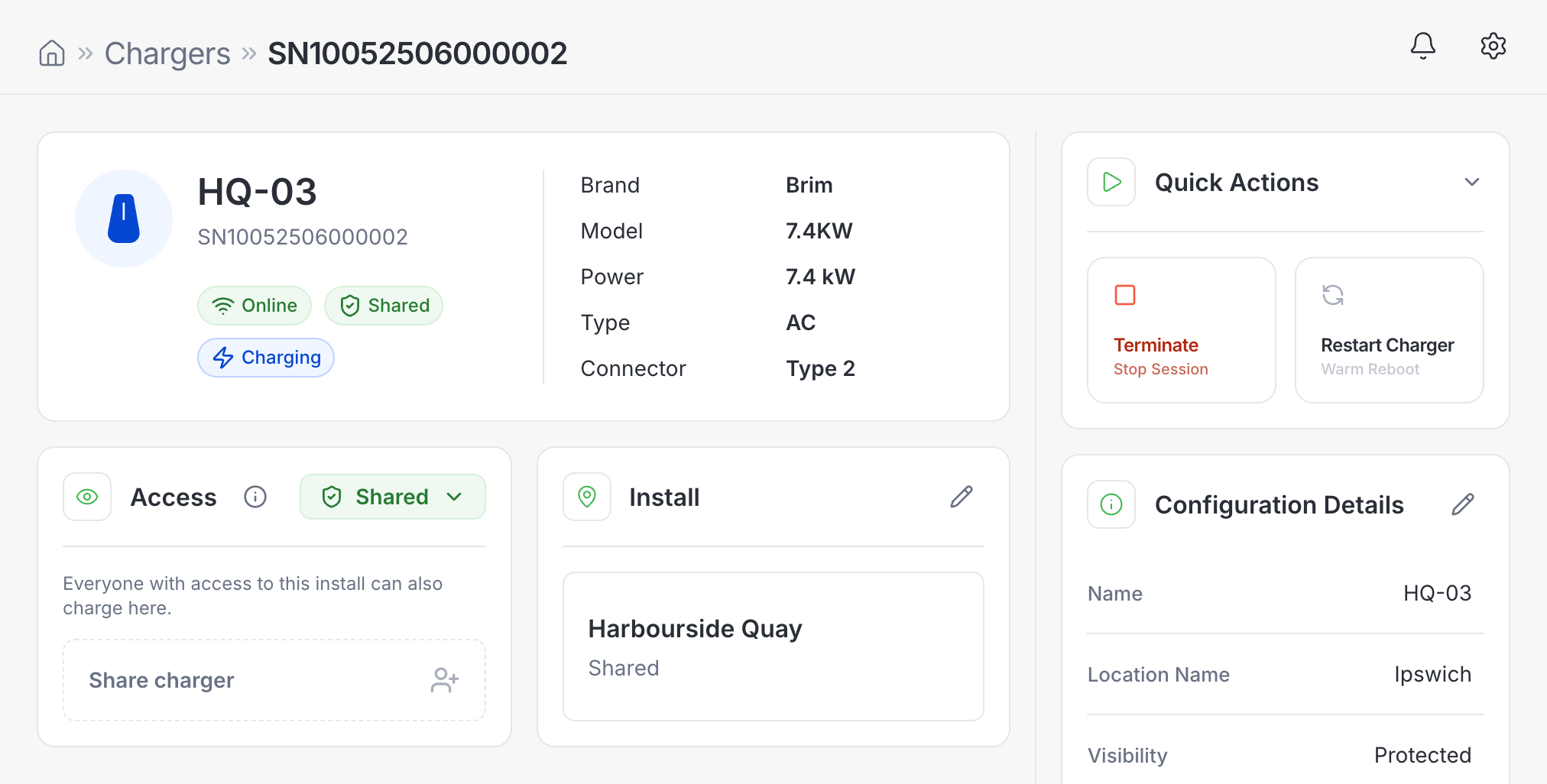
Session reports can also show when chargers are busiest and how usage varies by bay. That can help a team decide where extra bays would serve residents best.
Share the available power
If several residents plug in at once, the chargers may collectively ask for more power than the site can allocate to charging. Where the hardware and software support load management, the system can share a fixed power allowance across the active chargers. A dynamic setup uses live meter readings to adjust charging power as demand elsewhere in the building changes.
That can help a site add charging bays within its existing supply, depending on the capacity available and how residents use the chargers. Have the installer confirm the site limits and explain how the system behaves if the internet connection or meter readings drop out.
What can you use instead of a separate CPMS?
Manual billing gets harder when the chargers share a supply with the rest of the building. If the same meter also feeds the communal lighting, lifts and door entry, the electricity bill shows one total for everything. Unless the chargers have a meter of their own, the team can only estimate how much of that total they used.
A dedicated meter answers that question but leaves another. It can show how much energy passed through the chargers in a month, but not who started each session or how much each resident used. If the cost is split evenly, a resident who charges every night pays the same as one who plugs in once a week.
A CPMS records each session against the driver who started it, with the energy the charger delivered. Each resident is billed for their own sessions, and the session totals show how much electricity the chargers used, ready to set against the supplier’s bill. Nobody has to estimate a share or split a cost. A manufacturer’s portal can already serve as a CPMS if it handles those records alongside the other jobs the site needs.
Who runs the chargers when you have a CPMS?
A software subscription gives someone the tools to run the chargers. The property team can use them directly or appoint a charge point operator to run the service. A managed service may cover resident onboarding, payment queries and remote troubleshooting. Site visits, planned maintenance and repairs depend on what the contract includes.
When comparing costs, ask what you will pay for the platform, transactions, connectivity and support. Check who takes a resident’s call when a charger stops working and who arranges an engineer if it needs a visit. If a provider runs the chargers, confirm what the property team can see in the dashboard and which reports it can export.
Can you use a CPMS with chargers already on site?
The Open Charge Point Protocol (OCPP) is a common way for chargers to communicate with a management platform. If the chargers are already on site, ask a provider to check the exact models and firmware versions, whether it can connect them and which functions they support. Compatibility can vary by function even when a charger supports OCPP.
For example, a block might inherit two makes of charger and bring both into one platform for resident access and billing. One make could still need its existing local controller to manage power. That distinction matters when deciding what to keep and what to specify for new bays.
What to look for as your site grows
Ask a provider to demonstrate one resident’s journey from sign-up to a paid session, show the statement your team will receive and explain what happens when a charger goes offline. Use those same requirements when specifying future bays. That gives residents a consistent way to charge and gives the property team one set of processes as the site expands.